
Managing several projects at the same time is one of the biggest challenges for any construction contractor in Quebec. Overlapping schedules, crews shared between projects, rented equipment used on two sites at once, overloaded subcontractors: without a structured planning tool, the risk of delays, cost overruns and lost profitability is huge. In 2026, Microsoft Project (MS Project) remains one of the most widely used and powerful tools to manage this kind of complexity.
This practical guide is for contractors, project managers and estimators who want to move from intuitive management to structured management of their multiple projects with MS Project.
Why is MS Project still the reference in 2026?
Despite the arrival of several modern alternatives (Primavera, Asana, Procore), MS Project keeps a head start in construction for three key reasons:
- Native critical path (CPM) management: MS Project automatically calculates the tasks that cannot slip without affecting the project finish date.
- Shared resource pool: it centralizes your workers, equipment and subcontractors so you can allocate them across several projects without overallocation.
- Compatibility with contract requirements: public and private owners often require MPP schedules (MS Project format) with bids.
The fundamentals: master project and subprojects
The first skill to master when managing several projects is structuring a master project with linked subprojects. In practice, you create a “parent” MPP file into which you insert each project as a subproject. This lets you:
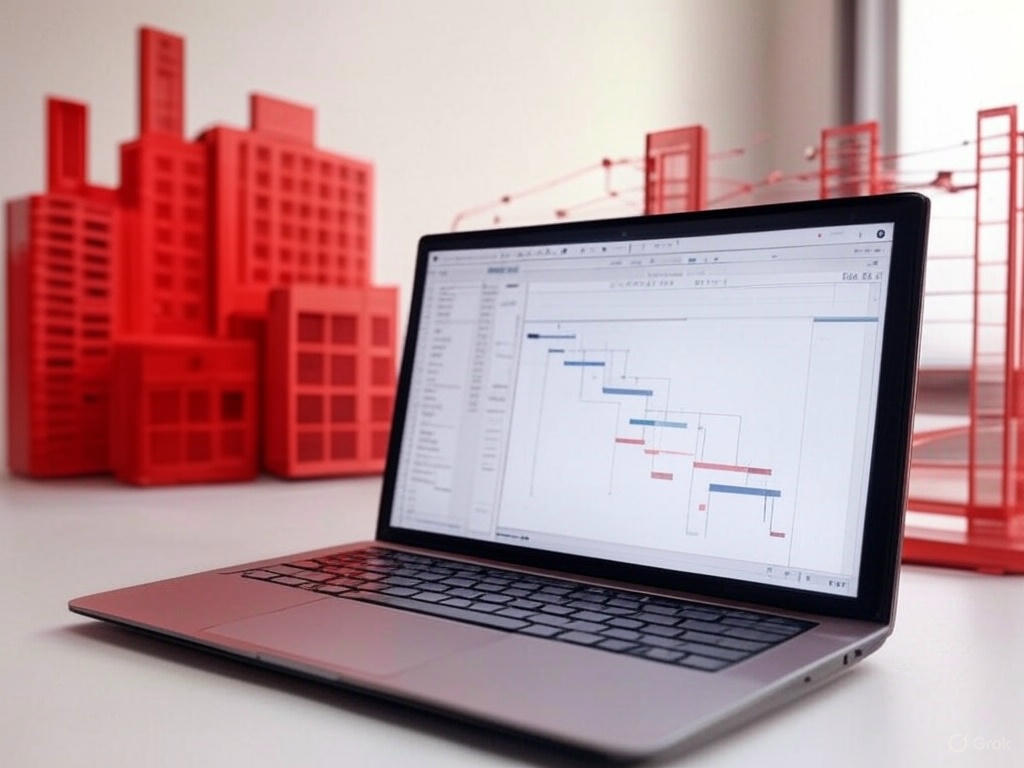
- See all your projects in a single consolidated Gantt chart.
- Share a common resource pool across all projects.
- Immediately detect scheduling conflicts between projects.
- Generate portfolio reports for management.
Best practice: one file per project
Always keep a standalone MPP file for each project. The master project simply references these files. This makes it easy to delegate each project to its own project manager while keeping a centralized overview.
Identifying and resolving resource conflicts
This is where MS Project becomes remarkably effective. When several projects run in parallel, the same crew is often assigned to two tasks at once. MS Project automatically flags these resource overallocations (red icon in the “Indicators” column).
You then have several resolution options:
- Automatic leveling: MS Project delays non-critical tasks to avoid overallocations while respecting dependency links.
- Adding resources: temporary hiring, bringing in a subcontractor or renting extra equipment.
- Overtime: a quick but costly option, to be compared with subcontracting.
- Reprioritizing: deliberately postponing the least critical project to free up resources.
Analyzing the financial impact of decisions
MS Project lets you put a price on each decision scenario. By assigning an hourly cost to each resource (workers, foremen, equipment), you get in real time:
- The total cost of each project, consolidated in the master project.
- The additional cost of overtime versus subcontracting.
- The financial impact of a late material delivery.
- Earned value, to track performance against budget.
This comparative analysis capability is what sets apart a company that “manages its projects” from one that actively steers its profitability.
Common mistakes to avoid
- Poorly defined dependency links: a misconfigured Finish-to-Start link can shift the entire schedule.
- Forgetting specific calendars: construction holidays, Quebec statutory holidays, winter site hours.
- Entering costs without detail: a lump-sum cost prevents any detailed analysis.
- No weekly updates: a schedule that is not updated quickly becomes useless.
Going further: formal training
MS Project is powerful software, but its learning curve is real. Structured training helps you avoid the classic pitfalls and use advanced features from the start: shared resource pools, leveling, scenario analysis and earned value tracking.
Read more
To deepen your planning and multi-project coordination skills, see our related articles:
- Gantt charts in construction — learn to structure your schedules and visualize task dependencies on your projects.
- Shared resource pools in construction — avoid overallocations and coordinate your crews effectively across several projects.
🎓 RBQ-recognized training: Multi-project management in construction with MS Project
CalcosaTech offers official training recognized by the Régie du bâtiment du Québec (training number: 5877-4407-F001) that covers in depth everything discussed in this article: master project structure, shared resource pool management, conflict analysis, decision scenarios and financial tracking.
Training hours are reported to the RBQ and count toward your continuing education requirements.
Contact us for pricing and to schedule a session tailored to your team.