
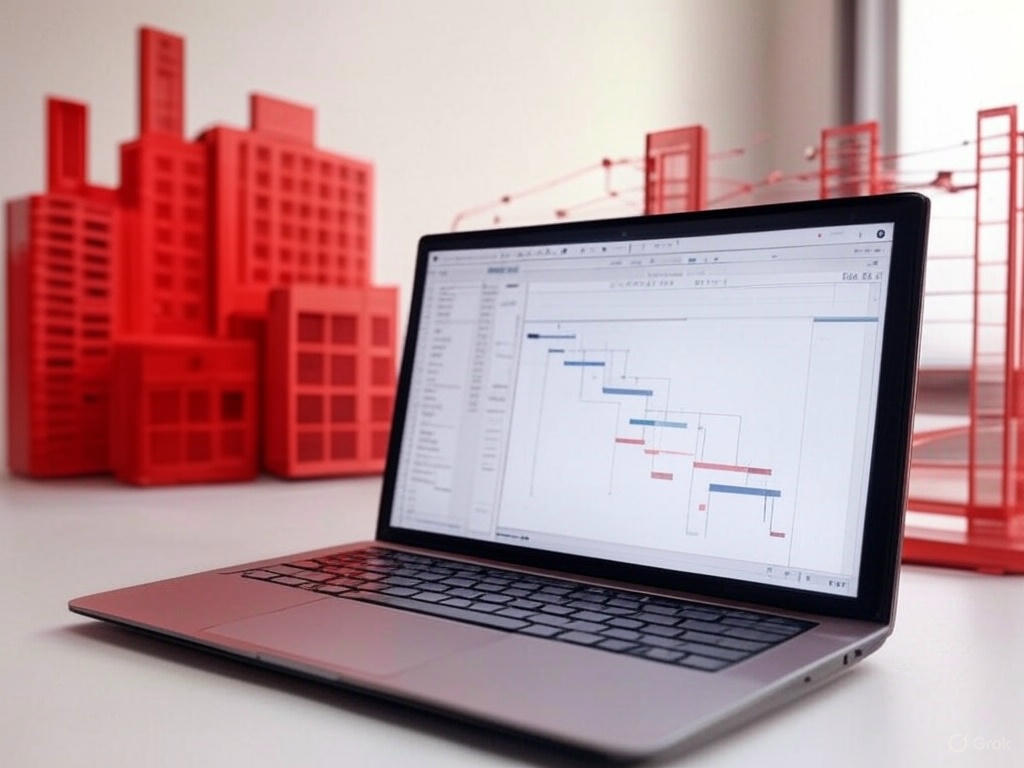
A construction schedule is only reliable if someone actually analyzes it. Yet on most projects, the scheduler is short on time: weekly updates, meetings, client requests… In-depth analysis often falls by the wayside. The result: missing links, forgotten constraints and delays discovered too late.
Artificial intelligence (AI) changes the game. Combined with MS Project and the critical path method (CPM), it can review a complete schedule in minutes, spot risks and suggest courses of action. Here are 10 practical reasons to analyze your construction schedules with AI.
1. Detect logic errors in minutes
Tasks with no predecessor or successor, circular links, orphan milestones, zero durations: these errors distort the critical path calculation. AI-assisted analysis reviews every task and lists the anomalies, whereas a manual review of a schedule with several hundred lines would take hours.
2. Make your critical path reliable
The critical path determines your finish date. If the logic is incomplete, it is wrong — and so are your decisions. AI checks the consistency of the network, identifies critical and near-critical tasks (low float) and flags those whose criticality looks abnormal.
3. Spot excessive constraints
Constraints such as “Must Start On” or “Finish No Later Than” are often used to force dates. They hide real delays and break the scheduling logic. AI systematically finds them and explains their impact on the calculated dates.
4. Anticipate delays instead of suffering them
By comparing actual progress with the baseline, AI highlights slipping tasks, shrinking float and threatened milestones. You see the delay coming several weeks in advance, while there is still time to act.
5. Reduce delay-related costs
Delays are expensive: overtime, extended equipment rentals, contractual penalties, site overhead. By identifying risks early and simulating scenarios (crew reassignment, subcontracting, resequencing), AI helps you choose the least costly option.
6. Detect resource overallocation across projects
When several projects share the same crews and equipment, conflicts are inevitable. AI analyzes assignments across the whole portfolio and flags overallocations (a crew scheduled at 150% in a given week, for example) before they turn into delays on site.
7. Save time on reporting
Preparing a progress report often takes half a day. With automation, key indicators (criticality rate, date variances, late tasks, upcoming milestones) are generated automatically and can feed a Power BI dashboard shared with management and the client.
8. Ask your schedule the right questions
With an AI assistant, you can query your schedule in plain language: “Which critical tasks start next month?”, “What is the impact of a two-week delay on the window delivery?”, “Which subcontractors are the busiest in March?”. The information becomes accessible to the whole team, not just the scheduler.
9. Better document claims and justifications
In a dispute or an extension-of-time request, you need to demonstrate the real impact of an event on the critical path. AI helps compare successive schedule versions, trace changes and structure a clear, defensible analysis.
10. Standardize quality across your projects
Every scheduler has their own habits. By applying the same checks to every schedule, AI sets a common quality standard for the whole company: same rules, same indicators, same alert thresholds. That is the foundation of true portfolio management.
AI does not replace the scheduler
AI is an analysis tool, not a decision-maker. It speeds up problem detection and formats the information, but it is the project manager’s expertise — their knowledge of the site, the crews and the contract — that turns this analysis into good decisions. Together, they produce more reliable schedules, better-controlled timelines and more profitable projects.
Where to start?
- Have an existing schedule audited: it is the fastest way to measure what AI can reveal about your projects.
- Standardize your MS Project schedules: a clear structure (WBS, links, resources) makes automated analysis far more effective.
- Train your teams to read the critical path and use analysis tools.
To go further, see our article on planning with Gantt charts and our guide to multi-project management with MS Project.
🎓 Training: Critical Path Analysis with AI in Construction
Learn to identify, analyze and control the critical path of your projects in MS Project, then use AI and automation to detect delay risks earlier. Online or in person, as a group or private session.
Prefer to delegate? Our AI Audit service reviews your MS Project schedules and delivers a clear report with practical recommendations.